
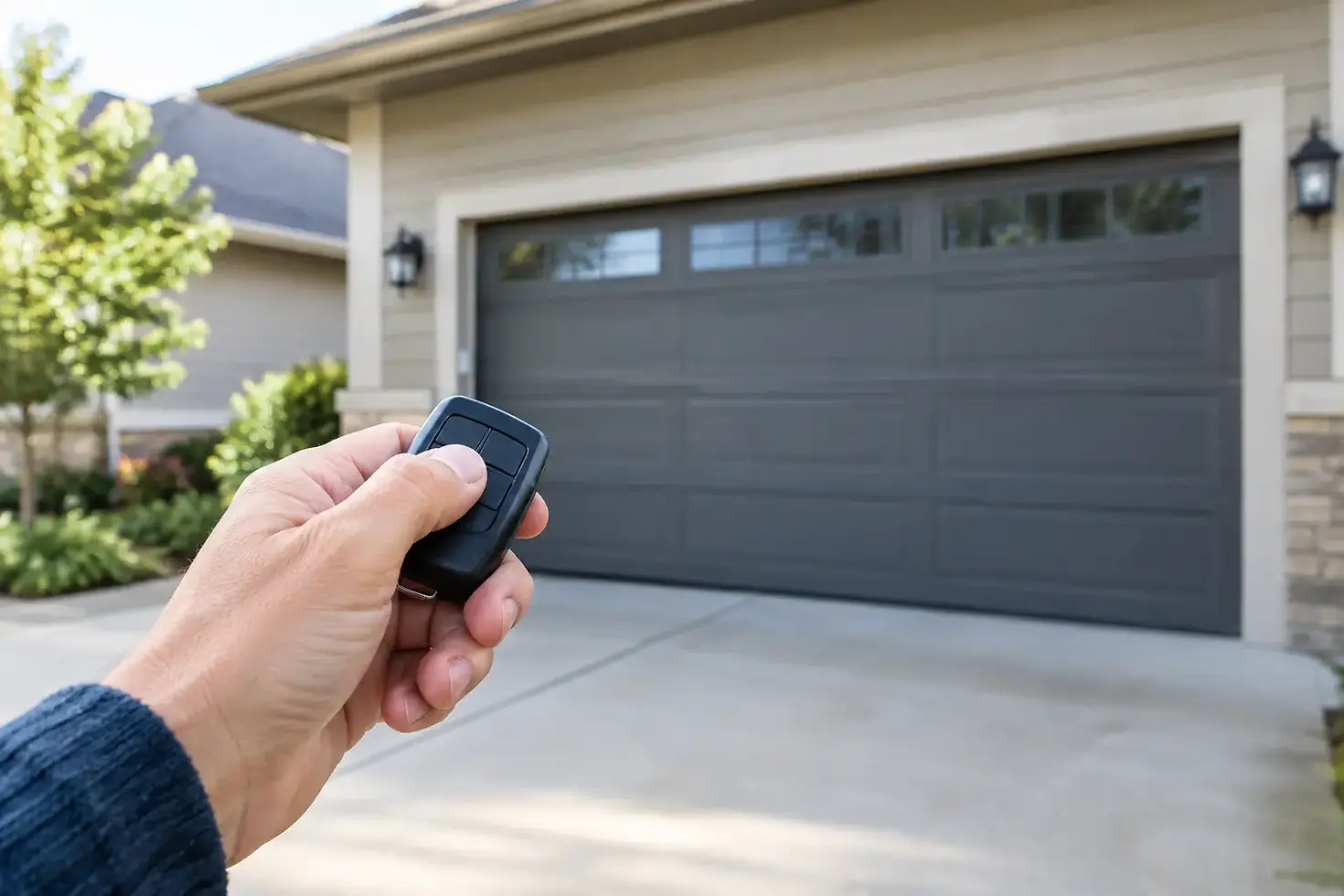
Garage Door Remote Not Working? Try This First

A garage door remote not working can turn a normal trip to the store into a frustrating wait in the driveway. Before assuming the opener has failed, start with a few safe checks. Many remote problems come down to a weak battery, a locked wall control, lost programming, or an opener that has lost power.
The key is knowing where a simple homeowner fix ends and when the problem may involve the opener, door hardware, or electrical system. A remote should never be used to force a door that is stuck, crooked, or unusually heavy.
Start With the Simple Remote Checks
Stand close to the garage door and press the remote. If it works only when you are near the door, the battery is usually the first suspect. Replace it with the correct battery type listed inside the remote compartment. Even if an indicator light still comes on, the battery may not have enough power to send a reliable signal to the opener.
Next, check the remote itself for obvious damage. A remote that has been dropped in a driveway, left in a hot vehicle, or exposed to moisture can develop loose contacts or damaged buttons. If the button feels stuck, the casing is cracked, or corrosion is visible around the battery, replacement may be more practical than repair.
If you have a second remote, test it. This one step tells you a lot. When one remote works and another does not, the issue is likely with the nonworking remote or its programming. When neither remote works, look at the wall control and opener next.
Make Sure the Opener Has Power
Garage door openers can lose power after a storm, a tripped breaker, or an outlet issue. In Southwest Florida, summer thunderstorms and power interruptions make this a common problem.
Check whether the opener's lights are on and whether the outlet has power. If the opener is plugged into a ceiling outlet, do not climb on a ladder or handle wiring unless you can do so safely. Check the garage circuit breaker and any nearby GFCI outlet that may have tripped. Resetting a GFCI can restore power to the opener in some homes.
If the opener has no lights and the outlet is working, the opener may have an internal electrical problem. If it has lights but does not respond to either remote or the wall button, the issue may be with the control board, wiring, or safety system.
Check the Wall Button and Lock Mode
Many wall-mounted garage door controls have a vacation lock or lock mode. When that feature is turned on, the wall button may still operate the door while all handheld remotes stop working. Look for a lock symbol or a button marked “Lock.” On many models, pressing and holding that button for a few seconds turns the feature off.
This setting is helpful when you are away from home, but it is easy to activate by accident. If the wall control opens the door and your remotes do not, lock mode is one of the most likely explanations.
When a Garage Door Remote Is Not Working From a Distance
A remote that works close up but not from the street may have a range or interference issue. Start with a new battery, then look around the garage for recently added electronics. LED bulbs, battery chargers, wireless cameras, and some power supplies can interfere with the radio signal used by garage door remotes.
Try removing or turning off a suspected device temporarily, then test the remote again. One especially common issue is an LED bulb installed in the opener. Not every LED bulb causes interference, but low-quality bulbs sometimes reduce remote range dramatically.
The opener's antenna wire should also hang down from the motor unit. It should not be tucked into the housing, wrapped around metal, or cut. Avoid pulling or modifying it. If the antenna looks damaged, a technician can inspect the opener and recommend the right repair or replacement.
Reprogram the Remote Only When It Makes Sense
If you recently changed the remote battery, experienced an extended power outage, replaced an opener component, or bought a new remote, programming may need to be restored. Most modern openers have a Learn or Program button on the motor unit, often near the antenna wire or light cover.
The general process is simple: press the Learn button, then press the remote button within the time window specified by the opener manufacturer. However, the exact steps and button colors vary by brand and model. Avoid repeatedly pressing the Learn button without a plan, since some openers can erase all programmed remotes if held too long.
If your vehicle's built-in garage remote system also stopped working, it may need to be programmed again after the handheld remote or opener is reset. Keep in mind that older vehicles and newer rolling-code openers sometimes require an extra programming step.
Do Not Ignore Signs That the Door Is the Real Problem
Sometimes the remote is working perfectly, but the door cannot move safely. Press the wall button and watch what happens. If the opener hums, strains, moves the door a few inches, or reverses unexpectedly, stop using it.
A door with a broken spring, loose cable, bent track, damaged roller, or obstruction can make the opener appear faulty. The opener is designed to move a balanced garage door, not lift the full weight of a door with failed springs. Continuing to operate it can burn out the motor, damage gears, or create a dangerous situation.
Call for service promptly if you notice any of these problems:
The door is crooked, hanging unevenly, or off its tracks.
You see a loose or broken cable near the drums or tracks.
The opener makes grinding noises, but the door does not move.
The door feels extremely heavy when disconnected from the opener.
A spring is visibly broken or there is a loud bang from the garage.
Never attempt to adjust garage door springs, cables, or bottom brackets yourself. These components are under high tension and require the right tools and training.
Check the Safety Sensors Before Calling
If the remote activates the opener but the door closes partway and reverses, inspect the photo-eye safety sensors near the bottom of the door tracks. Each sensor should face the other, with no boxes, lawn equipment, leaves, or cobwebs blocking the path.
Wipe the sensor lenses gently with a soft cloth. Then check the small indicator lights. A blinking or unlit sensor often means the sensors are misaligned, obstructed, or have a wiring issue. You can gently adjust the sensor brackets until both lights show a steady indication, but do not force damaged brackets or pull on the wires.
Florida garages collect dust, humidity, insects, and storm debris quickly. A simple sensor cleaning is often enough to restore normal operation, especially after heavy rain or a garage cleanout.
When It Is Time for Professional Opener Service
A new remote is not always the answer. If you have replaced the battery, confirmed power, checked lock mode, and tested the sensors, a technician can identify whether the issue is a failing receiver, worn opener gear, damaged logic board, or door balance problem.
For homeowners in Southwest Florida, GDM Pro Services can inspect the full system, not just the remote. That matters because a reliable opener depends on a properly balanced door, secure tracks, working safety sensors, and hardware that can handle daily use and local weather conditions.
If your opener is older, noisy, or inconsistent, an upgrade may be the better value than repeated repairs. Newer openers can offer quieter operation, battery backup, keypad entry, smartphone control, and better monitoring of your garage door's status. The right choice depends on the age of the unit, the condition of the door, and how often problems have occurred.
A remote issue may be minor, but your garage door is also a major entry point to your home. If basic checks do not restore dependable operation, schedule service before a small inconvenience becomes a security or safety concern.


Comments